
Last updated November 18, 2026
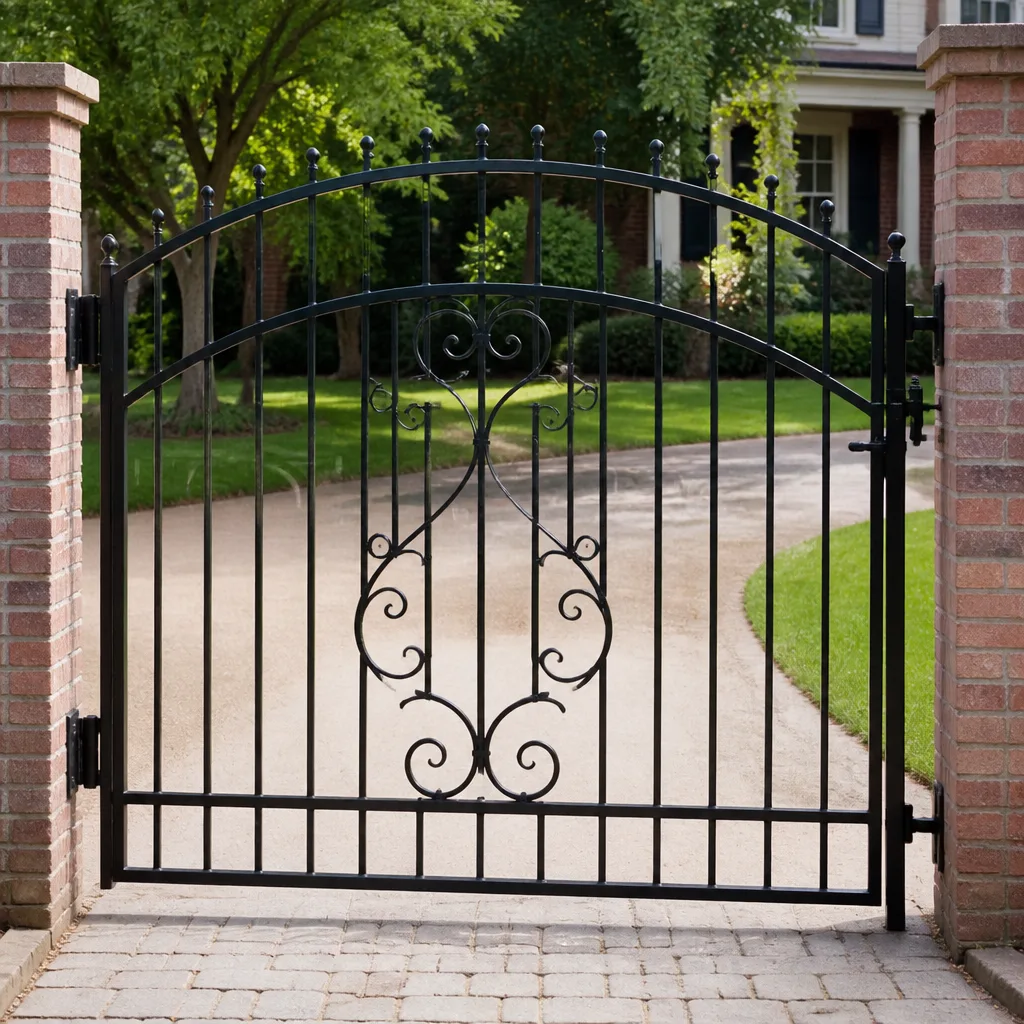 Wrought iron
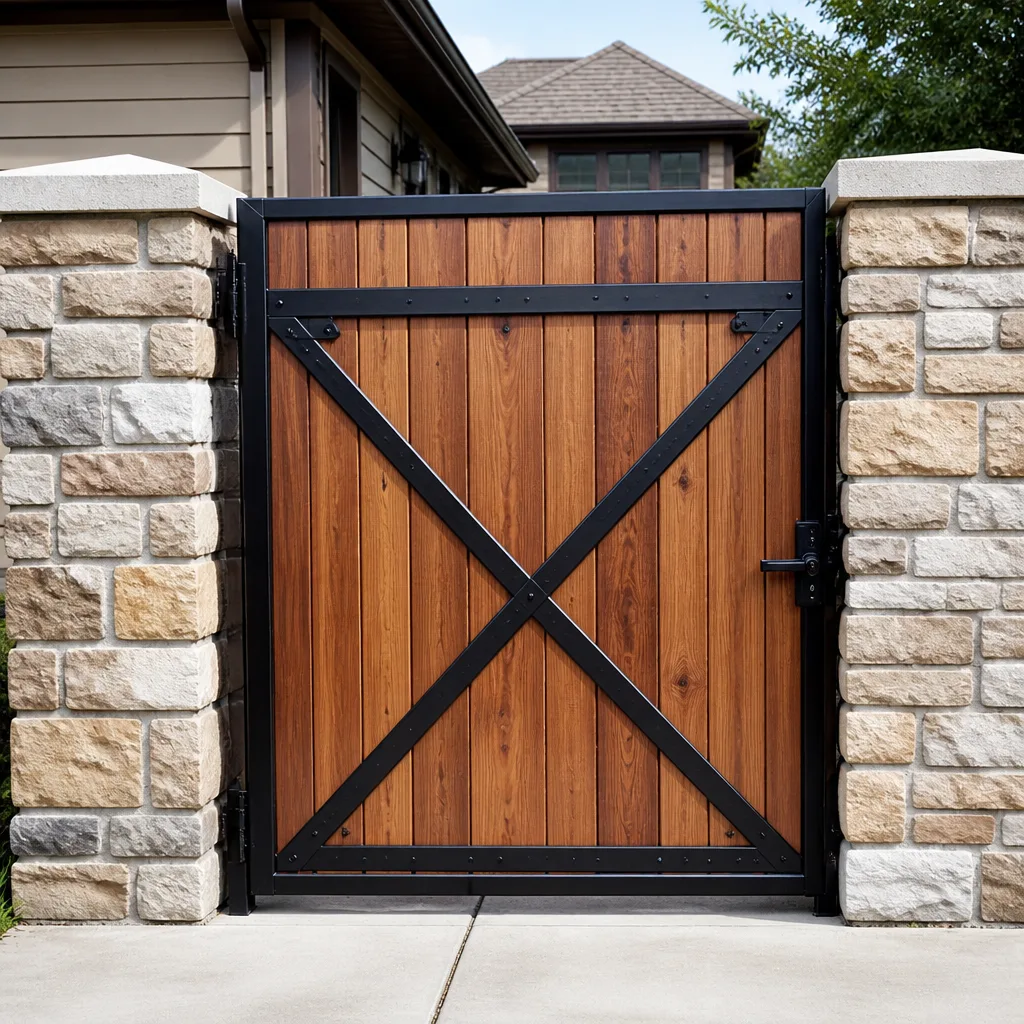 Wood & steel frame
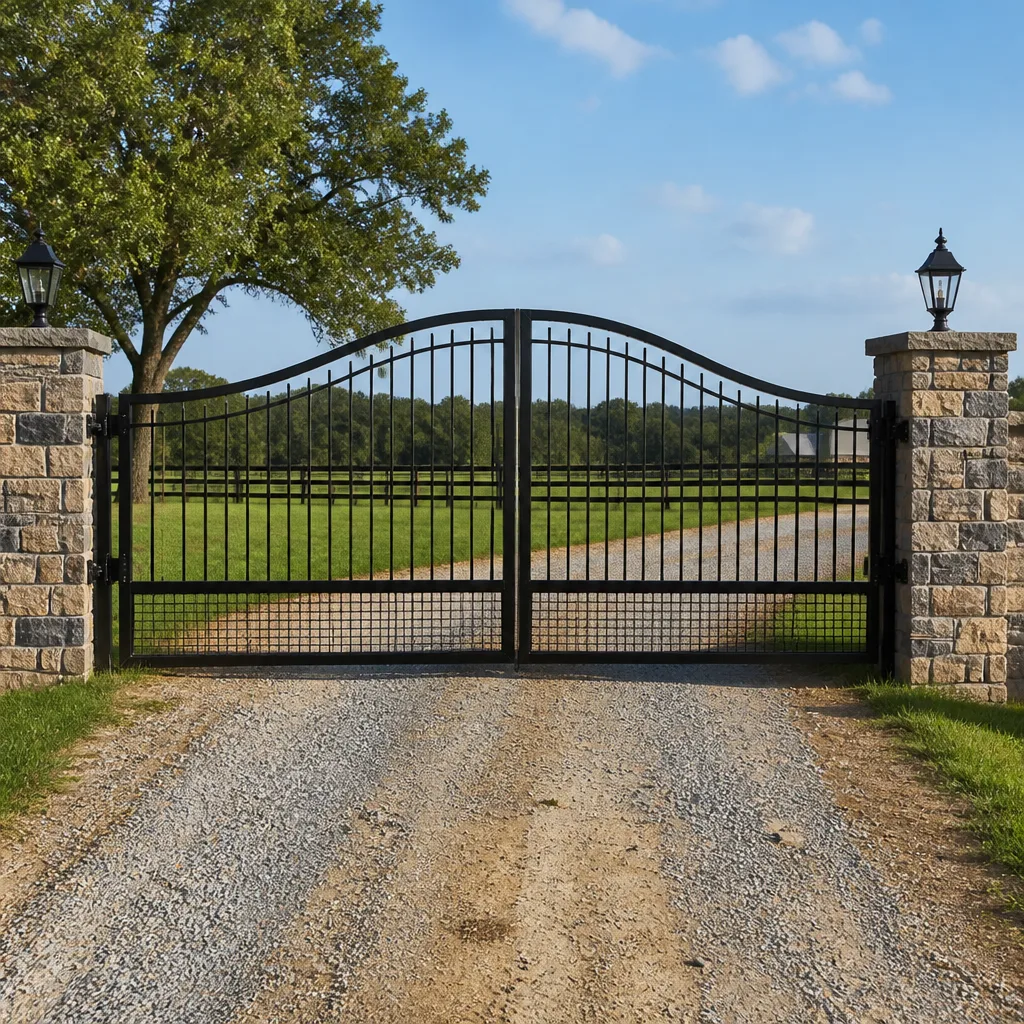 Farm & ranch
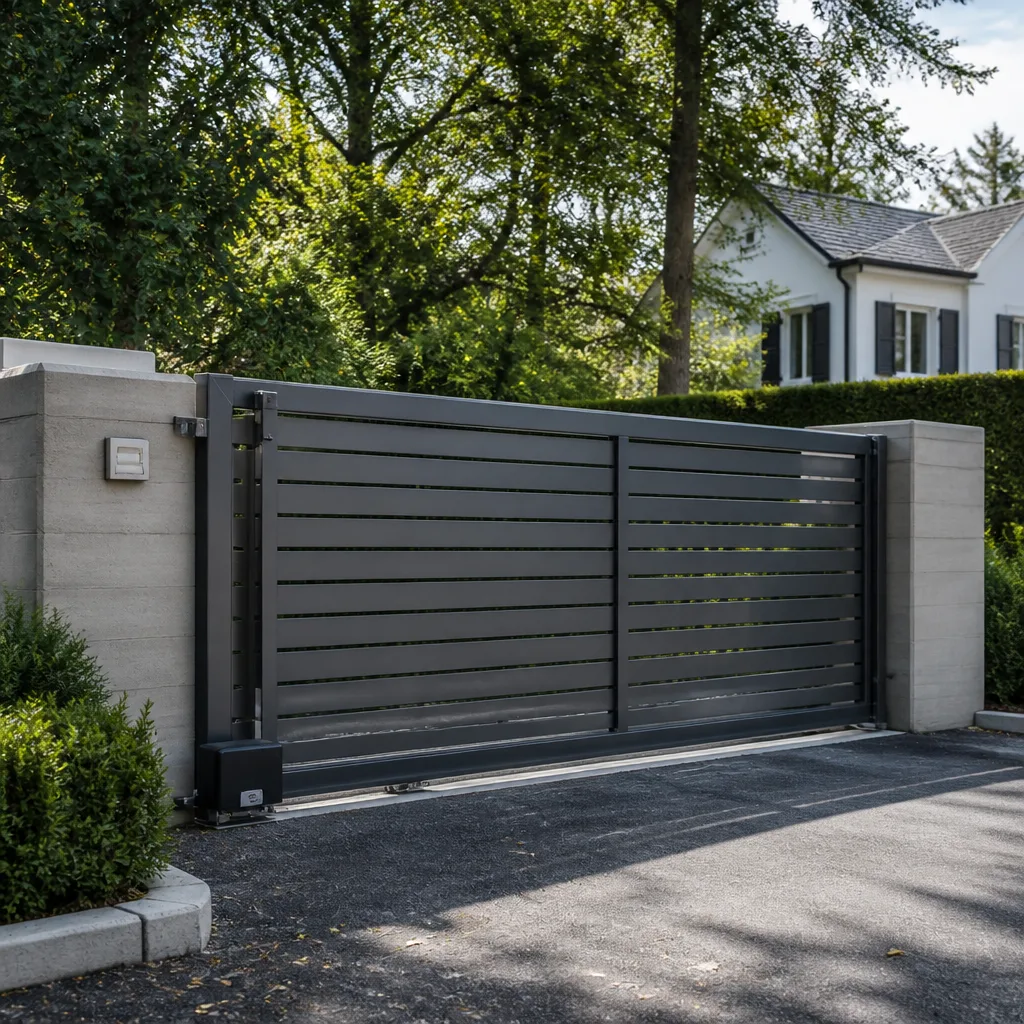 Sliding driveway gates
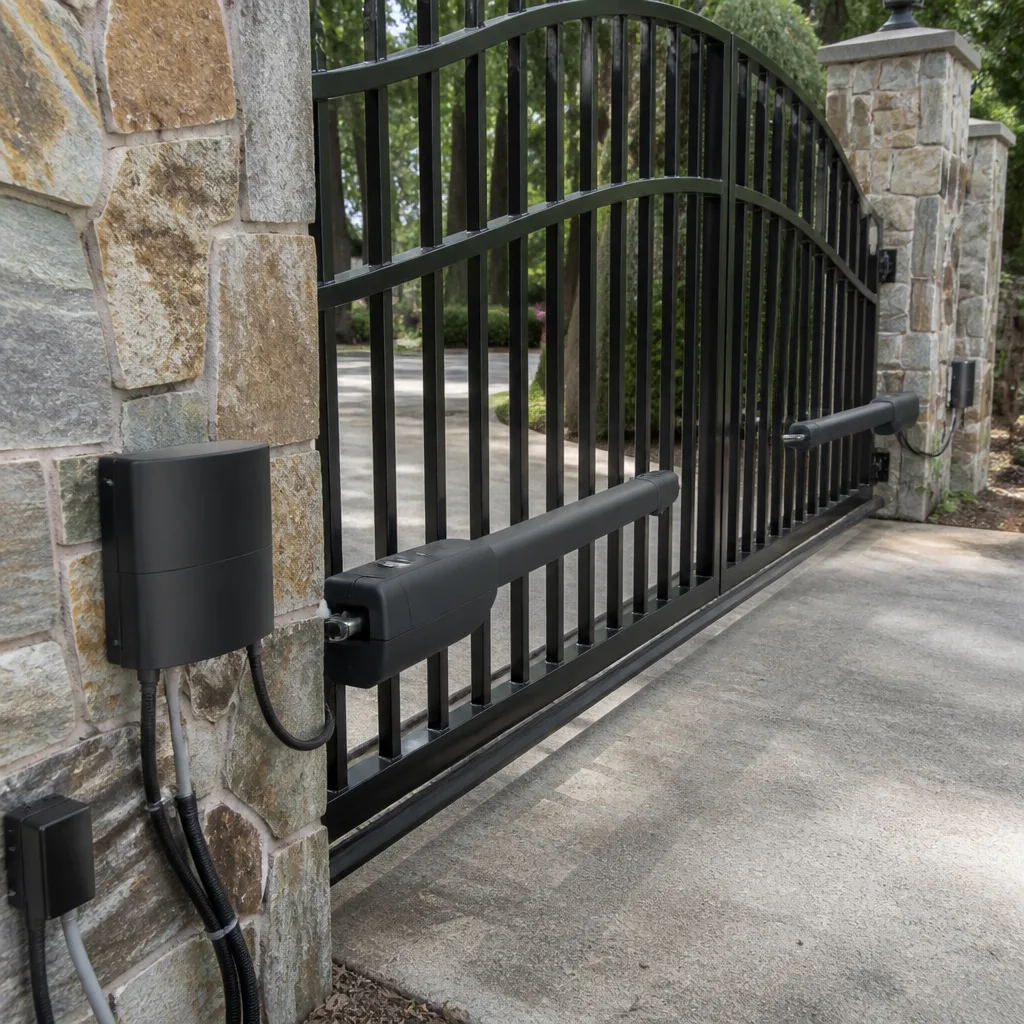 LiftMaster operators
Free on-site gate assessment - hinges, posts, and your LiftMaster or Nice gate operator checked before anything is quoted
The assessment is free and the quote is the invoice.
Get your free estimateThe Complete Gate Access Control Guide for Spring Valley Homeowners
Half the access control systems we see on Spring Valley gates are either massively over-specced for a single-family home or so basic they create workarounds – like a keypad code that hasn’t changed since 2016 because nobody knows who has it anymore. Both are expensive mistakes, just in different ways. One drains your wallet on features you’ll never touch, the other quietly erodes the security you thought you bought. This guide walks through every real option for access control in Spring Valley, NV – keypads, intercoms, RFID, and app-based systems – with five-year cost of ownership, short-term rental considerations, HOA reality, and how to match the access system to your gate operator the right way the first time.
Quick Answer
For most Spring Valley homeowners, a matched keypad-plus-app system on a name-brand operator is the sweet spot: keypad for daily use, app for guest and contractor credentials. Intercoms and video entry make sense when you have renters or deliveries, and full cloud access control only pays for itself if you’re running short-term rentals. Whatever you choose, buy the access control and the gate operator to work together at the start – bolting one brand’s keypad onto another brand’s board is where most Spring Valley failures begin.
Styles & brands we work with
- Wrought iron
- Wood & steel frame
- Farm & ranch
- Sliding driveway gates
- LiftMaster operators
Table of Contents
- Keypad vs. Intercom vs. RFID vs. App-Based: The Honest Breakdown
- What Access Control Really Costs Over Five Years
- How Short-Term Rentals Change the Requirement
- What “Cloud-Based” Actually Means When Your Internet Drops
- Spring Valley HOA Rules on Intercoms, Cameras, and Guest Logs
- Why the Access System and Gate Operator Must Match at Purchase
- What Installation Day Looks Like
- Common Mistakes to Avoid
- When to Call a Professional
Keypad vs. Intercom vs. RFID vs. App-Based: The Honest Breakdown
There’s no “best” access control system – only the one that fits how many people come and go through your gate and how much you want to manage from a phone. Here’s the honest comparison we walk Spring Valley homeowners through every week.
- Keypad (wired or wireless): The workhorse. One code or multiple codes, works without internet, costs the least to install and own. Best for a single-family home with a handful of regular users. Downside: hard to manage when you want to revoke one person’s access without changing everyone’s code – unless you buy a keypad with individual user slots.
- Intercom (audio or video): Lets you see and talk to whoever’s at the gate before you open it. Makes the most sense for homes with renters, frequent deliveries, or a gate that’s far from the house. Video intercoms add a camera but usually need a wired run to the house or a Wi-Fi bridge. Good for Spring Valley homes with long driveways where the gate isn’t visible from the front window.
- RFID / proximity cards and fobs: The right answer when you have employees, regular contractors, or household staff who shouldn’t be fumbling with a code at 6 a.m. Cards are cheap to issue and easy to revoke, but they can be shared or lost. Best paired with a reader that logs who came in and when.
- App-based / cloud access: Lets you open, close, and issue temporary credentials from your phone. Great for short-term rentals and for homeowners who travel. The catch is that “cloud” means internet-dependent unless the system has an offline fallback – more on that below.
Most Spring Valley homes we see end up with a combination: keypad for the family, RFID or app for guests and help, and an intercom only if the gate isn’t visible from the house. If your operator is already aging and you’re weighing a whole-system decision, our Gate Motor & Opener in Spring Valley page covers the operator side in more depth.
What Access Control Really Costs Over Five Years
The install price is only half the story. The real comparison is what you’ll spend to keep the system working over five years – including subscriptions, batteries, card replacements, and the cost of replacing the whole unit because it was mismatched from day one. Here’s a rough view for a typical single-family Spring Valley gate. These are planning ranges, not a quote – the only number that matters is the one written on your estimate before work starts.
- Wired keypad: modest install, near-zero annual upkeep, no subscription. Lowest five-year cost by a wide margin for a family home.
- Wireless keypad: comparable install if wiring is hard, but budget for battery changes every 12-24 months.
- Audio intercom: higher install because of the wire or wireless bridge, minimal upkeep.
- Video intercom: highest install among the non-cloud options, plus occasional camera/module replacement.
- RFID reader: moderate install, small ongoing cost for replacement cards and fobs.
- Cloud/app system: moderate install, and the only category with a recurring subscription – that fee stacks up over five years, so it only makes sense if you’re actually using the features (temporary credentials, remote logs, short-term rental turnover).
We’ve watched homeowners pay for five years of subscription on a system that only ever opens a gate for the same three cars. That’s a lot of money for a feature set they never touched. Before you commit, ask yourself honestly which features you’ll use in month 30, not month one.
How Short-Term Rentals Change the Requirement
If your Spring Valley property runs on Airbnb or VRBO, the access control requirement shifts completely. The problem isn’t opening the gate – it’s making sure the code that let last week’s guest in stops working when they check out. A shared keypad code that everybody reuses is the wrong tool for a rental. It also creates the exact situation we opened with: a code nobody remembers changing and nobody knows who still has.
What actually handles rentals well:
- Temporary credentials with automatic expiry. The system generates a code or app invitation tied to the booking window, and it deactivates on checkout day without you touching it.
- Remote revocation. If a guest overstays or a cleaner needs same-hour access, you can kill or grant credentials from your phone.
- An audit trail. You can see who entered and when – useful if something goes missing or a neighbor complains.
- No-fee credential management where possible. Some app-based systems let you issue and revoke guest codes without a per-user charge; others bill per active user. Ask before you buy.
If your gate operator is also being replaced for the rental, run the operator and access control decision together – our Gate Motor & Opener in Spring Valley guide explains why. The worst outcome is a rental system where the guest code works but the operator’s own remote override doesn’t, so you end up driving over at 11 p.m. to let someone in.
What “Cloud-Based” Actually Means When Your Internet Drops
“Cloud-based” access control means the system’s brain lives on a server somewhere, not on your property. That’s fine – until the internet goes down, or the Wi-Fi link between the gate and the house drops, or the cloud provider has an outage. Then what?
Every cloud system should have an offline fallback mode, and you should know exactly what yours does before you buy. The fallback questions to ask:
- Does the keypad still work without internet? A good one does – it caches the codes locally.
- Do the remotes still open the gate? They should, because they talk directly to the operator, not the cloud.
- Can you still grant temporary access from your phone if the internet is out? Usually no – this is the honest limitation of cloud. Plan around it.
- How long can the system run on battery backup? For gate operators, this matters more than any smart feature, because a dead operator in a Spring Valley summer is a dead gate.
The right posture is to treat the cloud as a convenience layer, not the only layer. Your family still gets in with the keypad. Your remotes still work. The app features come back online when the internet does. That’s the design that doesn’t leave you locked out of your own driveway because a router rebooted.
Spring Valley HOA Rules on Intercoms, Cameras, and Guest Logs
Many Spring Valley communities are governed by HOAs, and access control is one of those categories where the rules are surprisingly specific – and surprisingly inconsistent from one community to the next. Before you buy, get the current CC&Rs and any architectural guidelines in writing from the HOA board. The three areas that trip people up most:
- Intercom placement: Some HOAs require the intercom and its pedestal to sit at or inside the property line, others want a specific setback, and some won’t allow a freestanding pedestal at all – it has to be mounted on the gate or a fence post. Get the exact placement in writing.
- Camera integration: Video intercoms that record the street or a neighbor’s driveway are the ones that get flagged. If your camera captures public right-of-way or a neighbor’s yard, expect questions. Point the lens at your own gate.
- Guest access logs: Some HOAs want to audit who came through a shared gate or a community access point. If your community has a shared gate, the access system may need to be compatible with the HOA’s own gate or at least not fight it. For a private residential gate, the log is yours – but you should still keep it.
One more Spring Valley reality: HOA approval on the pedestal, wiring run, and any visible equipment can take weeks. Build that into the timeline so you’re not ready to install with no approval in hand.
Why the Access System and Gate Operator Must Match at Purchase
This is the single most expensive mistake we see on Spring Valley gates: the homeowner buys a nice new keypad or app module from one brand, and the gate operator is a different brand with different voltage, different board, and no shared control logic. The two units work against each other. Sometimes the keypad won’t trigger the operator at all; sometimes it triggers but the safety edges and limits don’t cooperate; sometimes it “works” for six weeks and then eats a control board.
The right sequence is:
- Pick the access control first, based on who uses the gate and how.
- Confirm the operator can talk to it, either natively or through a compatible module from the same manufacturer.
- Verify the safety edges and reversal logic still function on the same control loop as the new access device.
- Install and test together, including loss-of-power and loss-of-internet scenarios.
Brands like BFT, Linear, Viking, and Ghost Controls each have their own ecosystems, and some mix cleanly with third-party access control while others don’t. If you’re starting fresh, buy matched; if you’re upgrading, bring in someone who works across all four and can tell you honestly which combination will fit what you already own. That’s exactly what our Gate Repair in Spring Valley service is for.
What Installation Day Looks Like
Access control installation isn’t a same-day-repair category – it’s a measured, ordered, scheduled job. That’s because the new hardware has to be quoted, ordered to spec, and installed as part of the whole gate system. Here’s the realistic sequence:
- Site measure and written estimate. We look at the operator, the wiring, the gate hardware, and the HOA constraints, then put a range on paper. The price is quoted and agreed before any work starts.
- Hardware selection and ordering. Once you’ve approved the estimate, the access control and any required module or wiring are ordered to match your operator.
- Scheduled install day. We mount the reader or keypad, run or terminate the wiring, tie the unit into the operator’s control loop, and confirm the safety edges are working.
- Test everything, including the failure modes. Loss of power, loss of internet, loss of one credential – all tested before we leave.
- 90-Day Done Right Promise. If anything’s not right in the first 90 days, one call brings us back – no runaround.
If you’re starting from a bare gate or replacing an aging one, our Gate Installation in Spring Valley page covers the gate-side decision, and the Gatewood Fence & Gate Spring Valley home page is where to start if you’re not sure which service you need.
Common Mistakes to Avoid
- Buying the most expensive system “just to be safe.” A single-family home with two cars does not need cloud access control with per-user billing. A good matched keypad does everything you need, and the money you save pays for the operator service you’ll actually use.
- Buying a sub-$100 keypad from a big-box store. We see these fail in Spring Valley heat within a year, usually right after the warranty ends. The keypad that works in a mild climate is not the keypad that works here.
- Mixing access control and operator brands without checking compatibility. This is the big one. Confirm the two will talk before you buy, or you’ll pay twice.
- Sticking with a shared code because “it’s worked so far.” If you can’t list everyone who has your current code, change it today. The whole point of access control is that you know who has access.
- Assuming the cloud means “always on.” Every cloud system needs an offline fallback path. Test it before you rely on it.
- Skipping the HOA conversation. Intercom placement, camera angle, pedestal setback – get it in writing before you order, or you’ll be pulling hardware back off the wall.
- Ignoring the safety edges. Access control is the doorbell; the safety edges are what stops the gate from closing on a car, a kid, or a dog. Every new install has to re-verify them. That’s not negotiable.
When to Call a Professional
Call us when any of these describes your situation: you’re adding access control to a gate operator you don’t know the brand or vintage of; your current keypad or intercom “kind of” works but you’re not sure who has the code; you’re turning a long-term rental into a short-term rental and need credential management that expires on its own; your HOA has asked for a log or is reviewing your intercom placement; your gate stops and reverses on its own, or the operator clicks and won’t move. Those are the calls where the matched-system decision pays off. Gatewood Fence & Gate Spring Valley offers free estimates in Spring Valley – call (888) 300-3906. A live person answers, 24/7, and the price is quoted and agreed before any work starts.
See the difference
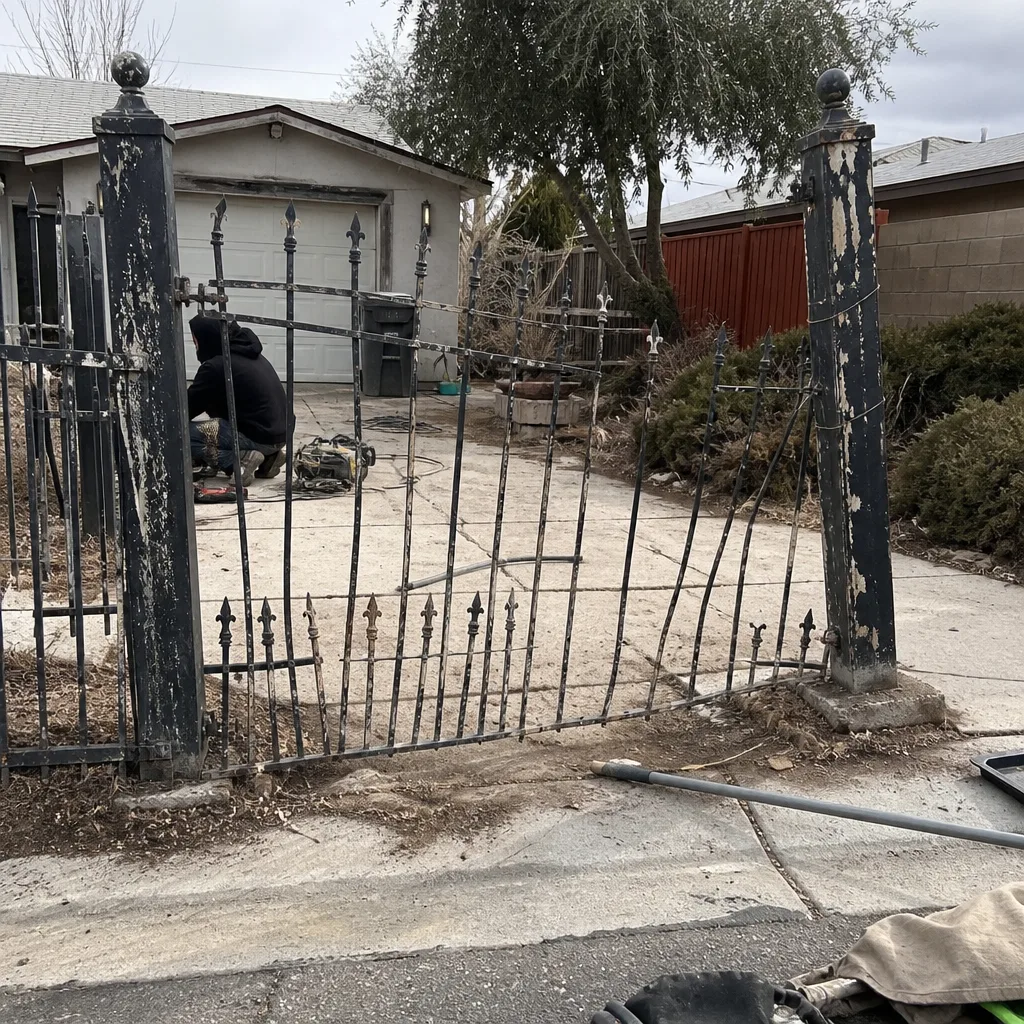 Before
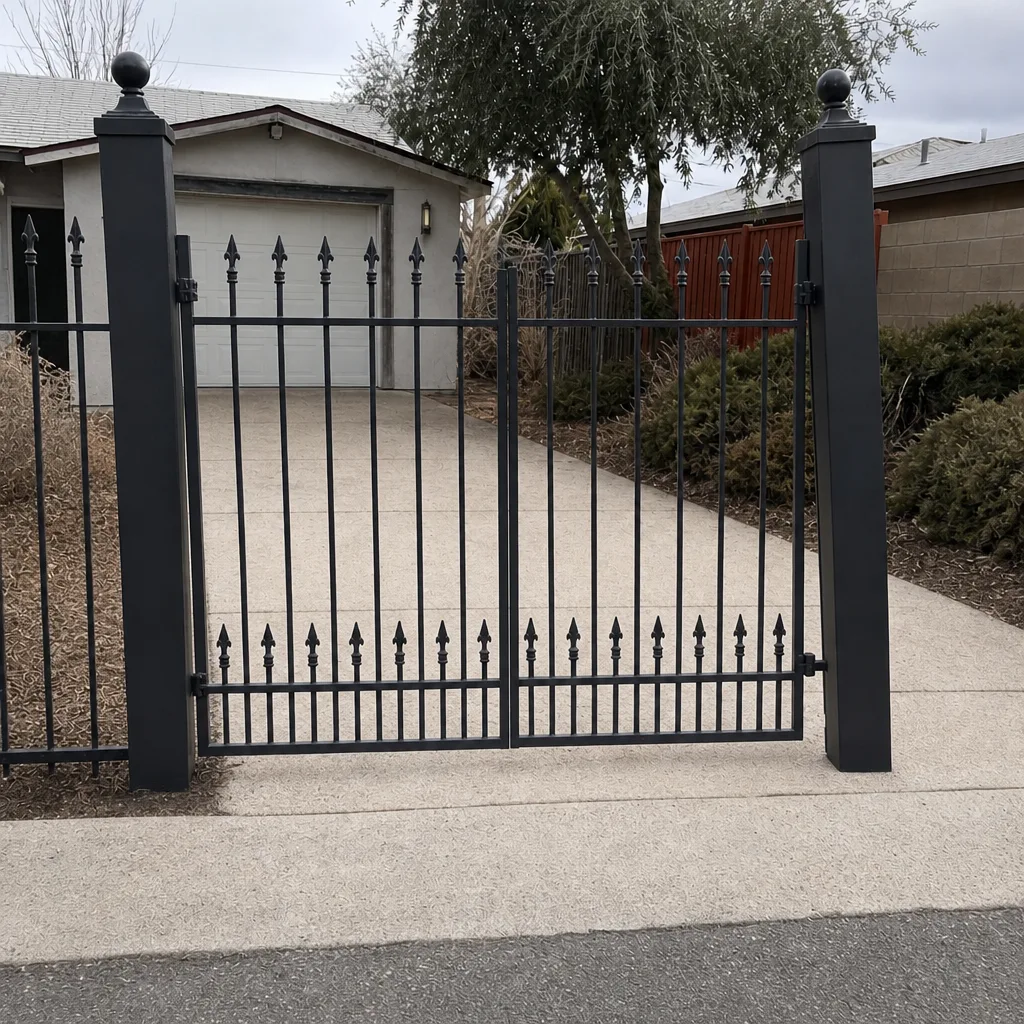 After
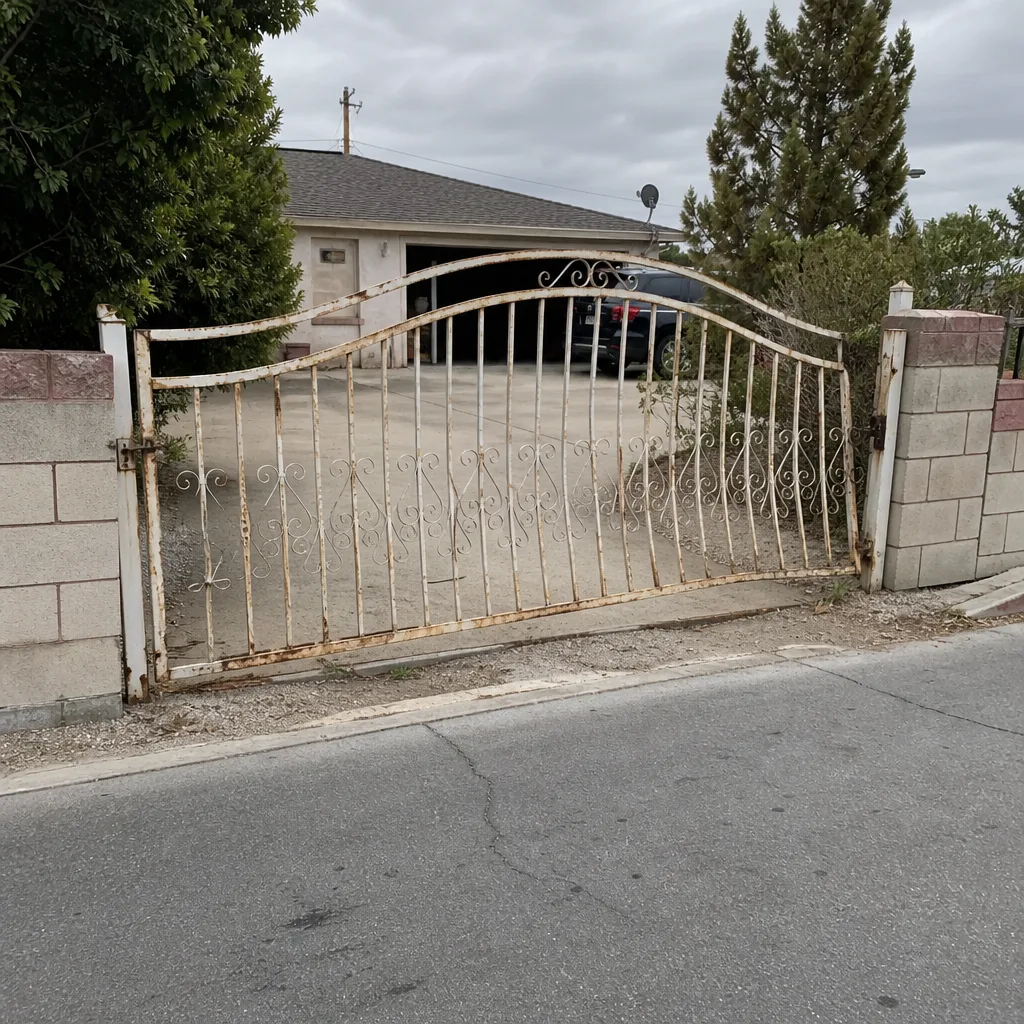 Before
 After
 Before
 After
Frequently Asked Questions
A keypad-only setup is the lowest-cost option, an audio or video intercom sits in the middle, and cloud-based access with temporary credentials is the highest upfront plus a recurring subscription. The exact number depends on your operator, wiring distance, and HOA constraints, so we measure and put it in writing first. Call (888) 300-3906 for an exact quote – estimates are free, and the price is quoted and agreed before any work starts.
No – access control is a measured, ordered, scheduled job, not same-day repair work. The hardware has to be matched to your operator and ordered to spec, and the install has to test safety edges and failure modes before we leave. The right sequence is measure, written estimate, order, scheduled install day.
A keypad is enough for most single-family Spring Valley homes. Cloud access control earns its subscription when you’re running short-term rentals or managing a rotating cast of employees and contractors – the automatic credential expiry and remote audit trail are what you’re paying for. If you just need your family and a couple of regular visitors to get in, a matched keypad does the job at a fraction of the five-year cost.
Your keypad should still work (a good one caches codes locally), your remotes should still open the gate (they talk directly to the operator, not the cloud), and the app features come back when the internet does. What won’t work is remote credential issuance while you’re offline – plan around that. If your current system doesn’t do any of this, it’s worth a look before the next outage.
Yes. The power run, the wiring termination, and the safety-edge verification are all part of the install – the access control and the operator have to share the same control loop, and the reversal logic has to work when a new reader or keypad is added. That’s why matched-system installation is the standard, not an add-on.
Often yes. HOA guidelines vary widely on intercom placement, pedestal setback, and camera angle, and some communities require a guest access log. Get the current CC&Rs in writing before you order hardware – HOA approval can take weeks, and it’s cheaper to build that into the timeline than to pull hardware off the wall after install.
The Bottom Line
Access control on a Spring Valley gate is a decision about people, not gadgets. Count how many people actually need to get in, decide whether any of them are renters or employees, and pick the system that manages that list cleanly without a subscription you’ll never use. Match the access system to the operator at purchase, not after. Test the offline behaviour before you rely on the cloud. And when it’s time to install, work with someone who measures, quotes in writing, tests the safety edges, and stands behind the job – the kind of accountability that comes from a name on the shop and a shop down the road. If you want a straight answer on which system fits your gate, call Gatewood Fence & Gate Spring Valley at (888) 300-3906 for a free estimate. A live person answers any hour, and the price is agreed before a single tool comes out of the truck.
Written by the team at Gatewood Fence & Gate Spring Valley.