
Last updated November 18, 2026
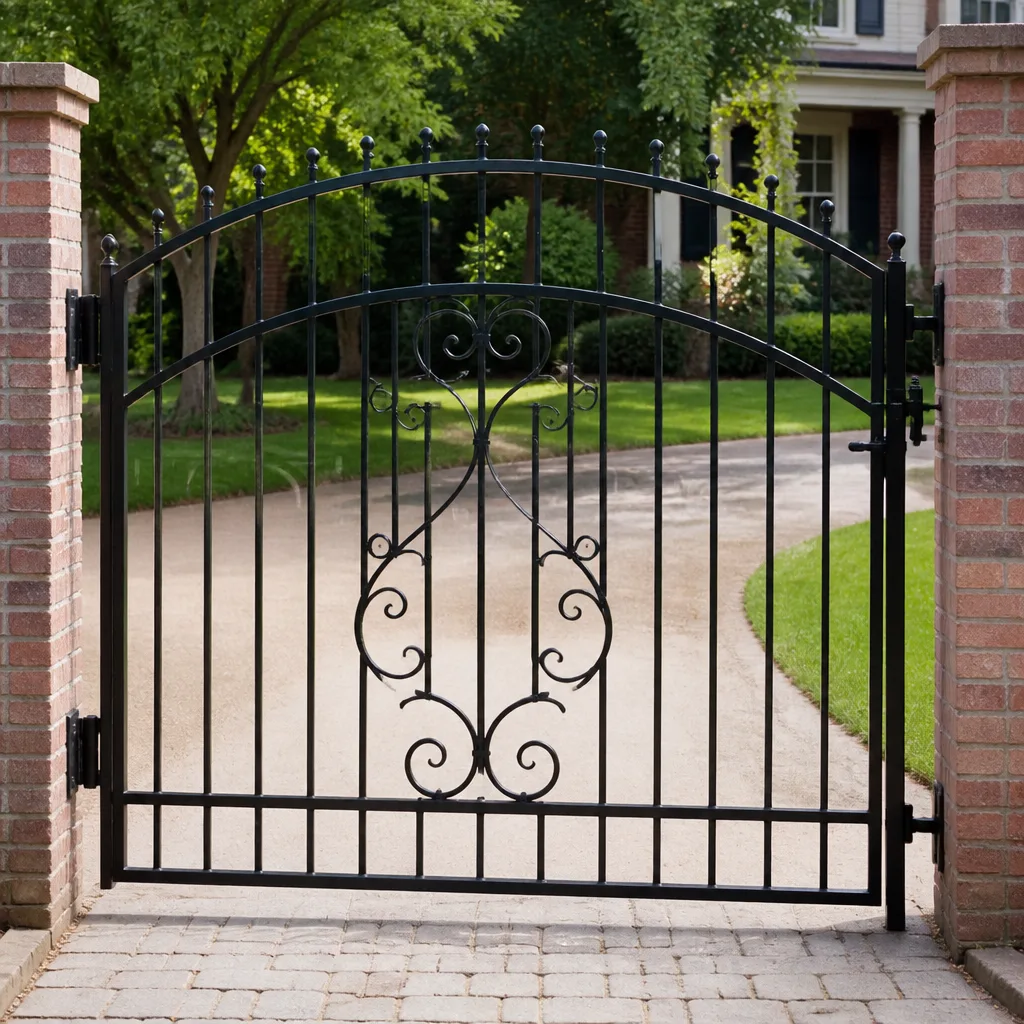 Wrought iron
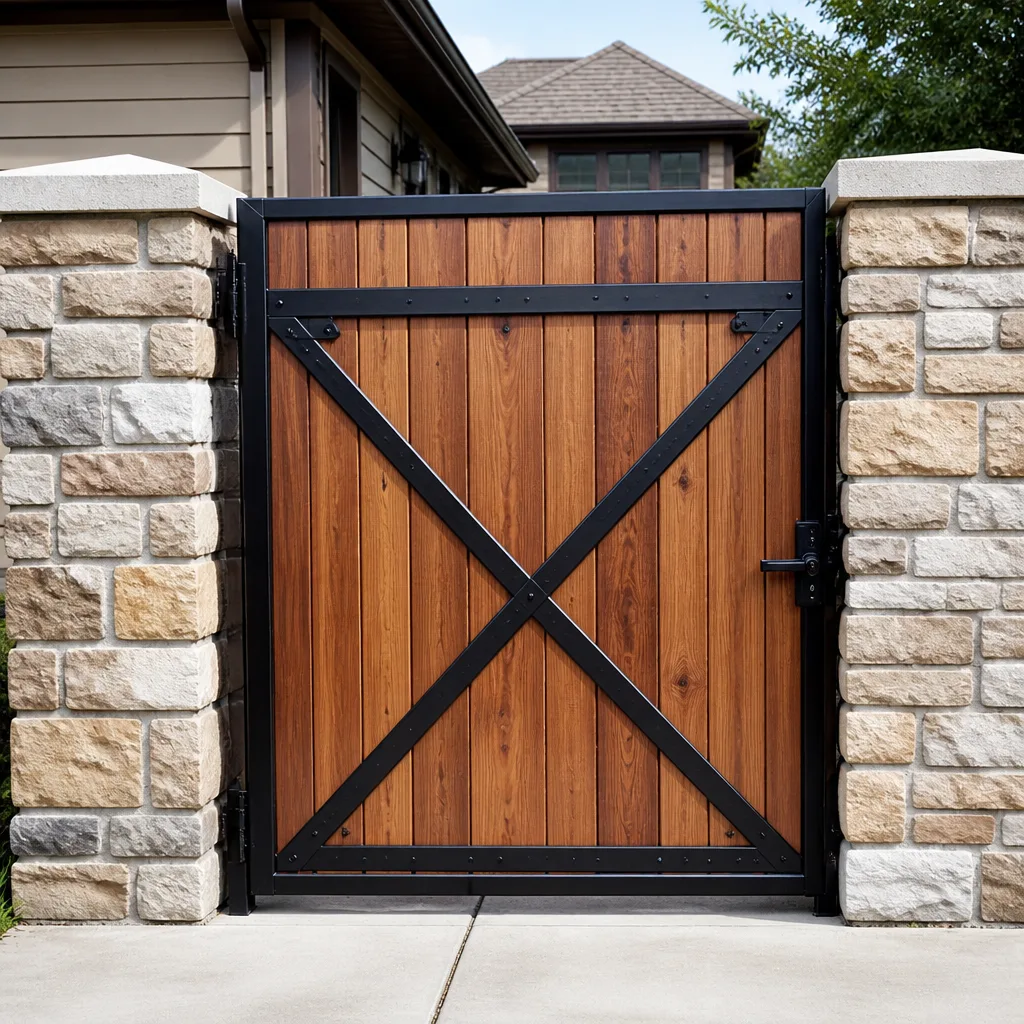 Wood & steel frame
 Farm & ranch
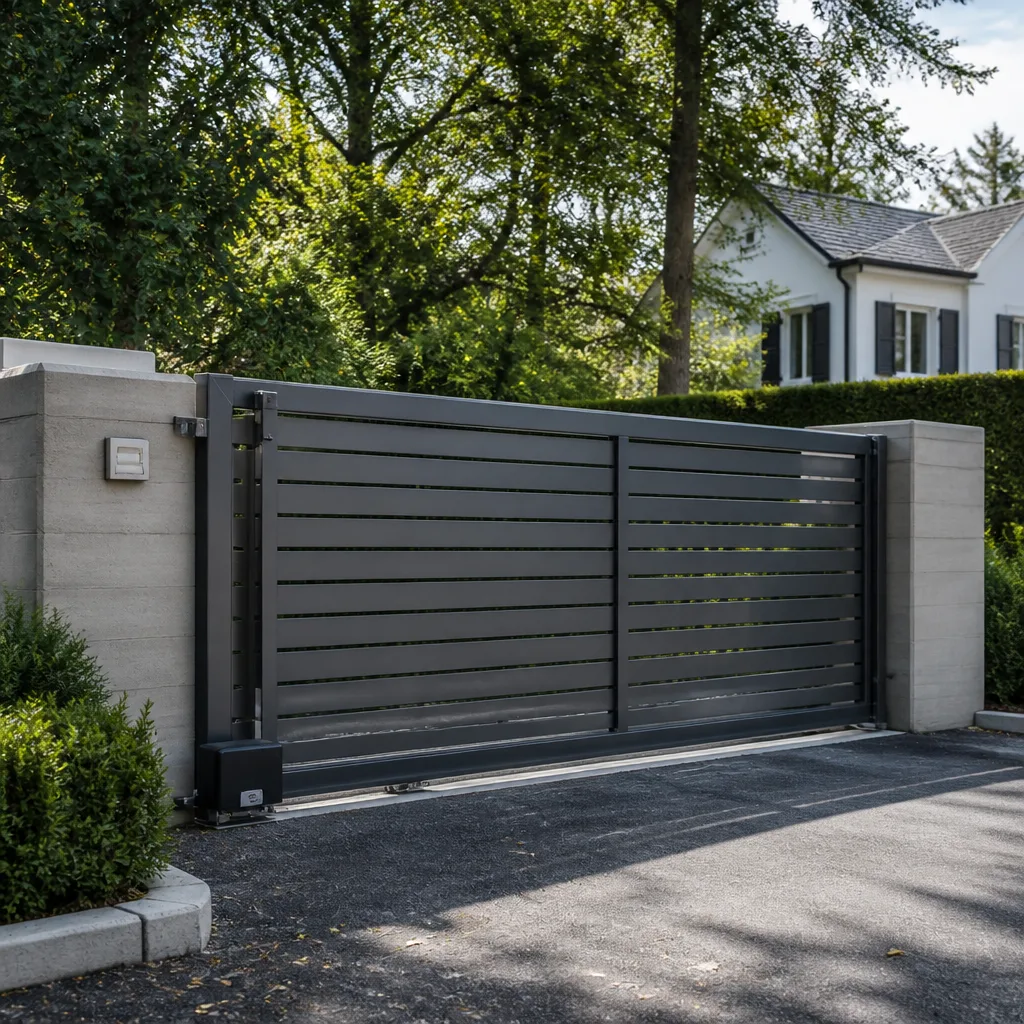 Sliding driveway gates
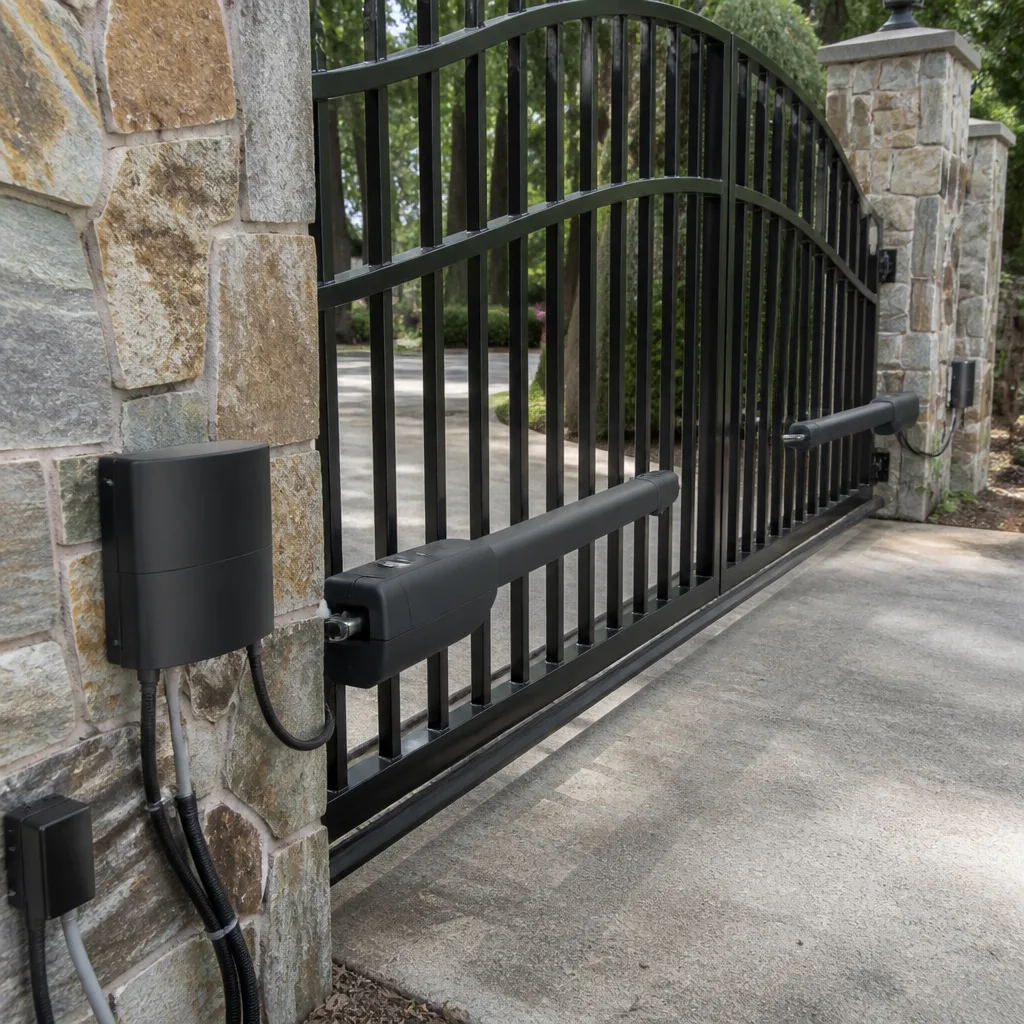 LiftMaster operators
Free on-site gate assessment - hinges, posts, and your LiftMaster or Nice gate operator checked before anything is quoted
The assessment is free and the quote is the invoice.
Get your free estimateGate Access Control Troubleshooting: Common Problems and How to Fix Them
When a gate access system quits, most people assume the control board died. Our first question is almost always the same: did anything change in the last week? Because around 80% of the time, something did. A power blip, a firmware update that pushed overnight, a neighbor who held the wrong button on the keypad, or a setting that got nudged during cleaning. The system isn’t broken, it’s confused, and the two look identical from the driveway. This guide walks you from symptom to cause in Spring Valley, in the right order, so you don’t buy a board you never needed.
Quick Answer
Most gate access control failures are power or wiring faults, followed by controller configuration and credential errors; actual hardware failure is the least common cause. Work through three layers in order – power and wiring, then controller settings, then hardware – and you’ll usually find the fault before you spend a dime. If a manual trigger still opens the gate but the keypad or app won’t, the operator is fine and the problem lives in the access controller or its wiring.
Styles & brands we work with
- Wrought iron
- Wood & steel frame
- Farm & ranch
- Sliding driveway gates
- LiftMaster operators
Table of Contents
- The Three-Layer Diagnostic Framework
- Is It the Access System or the Operator?
- Keypad Accepts the Code But the Gate Won’t Move
- App and Connectivity Failures That Aren’t Hardware
- RFID Fobs That Work Intermittently
- Power, Battery, and Solar Checks
- Spring Valley Heat and Sun on Access Hardware
- When to Call a Professional
The Three-Layer Diagnostic Framework
Every access control problem we see in Spring Valley falls into one of three layers, and skipping the first two wastes money. Work them in order, every time.
- Power and wiring. Is the controller getting clean voltage? Are the terminal screws tight? Is a wire chafed where it comes through the post? A low 12-volt supply will make a perfectly good board behave like a dead one.
- Controller configuration. Did the relay output get disabled? Did the entry code list get wiped? Did the strike time get set to zero so the relay clicks and releases before the operator catches it? These are settings, not failures.
- Hardware failure. Only after the first two layers check out do you start suspecting the board, the reader, or the operator’s input terminal.
Here’s why the order matters. A replacement control board for a LiftMaster or FAAC system can run several hundred dollars, and if the real fault is a corroded wire nut behind the keypad, the new board won’t fix it. We’ve pulled “dead” controllers off walls in Spring Valley that were never dead at all. The voltage was sagging two volts and the board was doing exactly what a starved board does.
Is It the Access System or the Operator?
Before you touch the access controller, prove where the fault lives. The manual trigger test takes about two minutes and tells you which half of the system to focus on.
- Put the operator in manual mode or use its built-in open/close button (most LiftMaster and Mighty Mule operators have one under the cover).
- Watch whether the gate opens and closes normally under its own power.
- If the gate moves fine on the manual trigger but the keypad, fob, or app won’t open it, the operator and its safety edges are healthy. The fault is upstream in the access control layer.
- If the gate won’t move even on the manual trigger, the fault is downstream – the operator, its battery, its limits, or its safety reverse. Stop chasing the keypad.
This single test saves more diagnostic fees than anything else in this guide. Customers in Spring Valley call convinced their access panel is fried, and the manual trigger reveals the operator’s battery is flat or a photo-eye is misaligned. The access system gets blamed for problems it never had.
Keypad Accepts the Code But the Gate Won’t Move
When the keypad beeps, lights up, and then nothing happens, you’re looking at the link between the keypad’s relay output and the operator’s input terminal. The keypad is fine; the handshake isn’t.
That handshake has three common failure points. The first is the relay itself – a stuck or burned relay clicks but never closes the circuit. The second is the wire run between the keypad and the operator’s trigger terminal, which on older Spring Valley installs is often a length of bell wire stapled along a fence line and chewed by sun and rodents. The third is the operator’s input terminal, which may have come loose or gotten wet.
You can check the relay without a meter, in most cases. Put a hand on the keypad, enter a valid code, and feel for a faint click. No click at all means the relay isn’t firing and the keypad is the suspect. A click with no gate movement points downstream at the wire or the operator terminal. DoorKing and Linear keypads both use this same relay scheme, so the logic holds across brands. When we find this in Spring Valley, the fix is often a ten-dollar relay or a fresh wire run, not a new keypad.
App and Connectivity Failures That Aren’t Hardware
Smart gate controllers like the myQ ecosystem on LiftMaster operators fail in ways that look like hardware problems but are account or connectivity issues. The pattern is predictable once you know it.
- “Device offline” or “unable to connect” errors usually mean the Wi-Fi signal at the gate is weak, not that the controller died. A metal gate and a rural Spring Valley lot will do that.
- “Invalid credentials” after a password reset is almost always an account sync glitch. Force-close the app, sign out, and sign back in before you touch the hardware.
- The app opens the gate on a schedule but not on command points at a cloud connection issue, not the relay. The controller is reachable for scheduled commands but the live command isn’t reaching it.
One thing worth knowing about the Spring Valley area: Wi-Fi at a gate 200 feet from the house is borderline no matter what router you buy. A dedicated bridge or a wired connection along the fence fixes intermittent app failures that no amount of app reinstall will touch. If the app falls apart every time a monsoon rolls through, suspect the connection before the controller.
RFID Fobs That Work Intermittently
Fobs that open the gate sometimes and not other times are rarely bad fobs. In our experience the reader’s antenna is the culprit, and UV exposure is the aggravating factor. Spring Valley’s sun is brutal on outdoor access hardware, and a reader that’s been baking in direct afternoon light for a few summers develops cracked housings and degraded antenna connections long before the fobs give out.
The test is simple. Hold a fob that’s been failing up close to the reader, within a couple of inches. If it reads reliably at close range but not at normal distance, the read range has shrunk, and that’s an antenna or tuning problem in the reader. If a fob that fails on the vehicle reader works perfectly on the gate-side reader, the fob is fine and the vehicle reader needs service.
Another pattern: fobs that fail only at certain times of day. If a vehicle’s fob stops working whenever it’s parked facing the afternoon sun, the reader on that side is overheating. Shade or reposition the reader and the “bad fob” comes back to life. If you’re seeing this and the gate itself needs attention too, our Gate Repair in Spring Valley page covers the hardware side.
Power, Battery, and Solar Checks
Voltage problems masquerade as every other kind of failure. Run these checks before you replace anything.
- Measure the controller’s input voltage. A 12-volt system running at 10.5 will misbehave in ways no manual covers.
- Check battery age. Lead-acid gate batteries have a service life of about three to five years; Spring Valley heat cuts that short, and a weak battery causes intermittent failures that vanish when the sun’s out.
- Clean and tighten every terminal screw on the controller and the operator’s input block. Loose screws vibrate loose over time and cause the exact “works sometimes” symptom people blame on bad boards.
- On solar gates, check panel output and wiring. A shaded or dirty panel in a dusty Spring Valley summer drops charge enough to cause daily failures.
If the gate is a motor-driven swing or slide gate and the operator itself is the suspect, our Gate Motor & Opener in Spring Valley page goes deeper on the mechanical side. Start here with power first though. It’s the cheapest check and the one that gets skipped.
Spring Valley Heat and Sun on Access Hardware
Access control hardware in Spring Valley lives in conditions the manufacturers don’t fully account for. Summer highs push 105°F or more, and afternoon sun in direct exposure sends surface temperatures far higher. That degrades three things: keypad membrane buttons that crack, reader housings that yellow and fail, and wiring insulation that goes brittle and shorts.
Mounting matters as much as the parts. A keypad or reader in full western sun will fail years before the same unit under a shade structure or on a north-facing post. When we install or service access hardware in Spring Valley, we look at the sun path, not just the fence line. It’s not glamorous, but placing a reader out of the worst of the sun is the single best thing you can do for its lifespan. If you’re considering new hardware, our Gate Installation in Spring Valley team factors sun exposure into placement from the start.
Common Mistakes to Avoid
- Replacing the control board first. Boards are the most expensive part and the least likely to fail. Check voltage and settings before you buy.
- Ignoring the wire nuts behind the keypad. Corroded connections hidden in a post cause intermittent failures that get blamed on the electronics every time.
- Assuming a fob is bad when the reader is the problem. Test the same fob on two readers before you write it off.
- Chasing an app error with a hardware swap. “Device offline” is almost always Wi-Fi coverage, not a dead controller.
- Skipping the manual trigger test. Without it you don’t know which half of the system to work on, and you’ll waste money on the wrong part.
- Mounting new readers in full sun. A reader in Spring Valley’s western exposure will fail years early. Place it in shade if you can.
- Resetting the controller without a backup. Every stored code and schedule lives in that board. A factory reset erases all of it.
See the difference
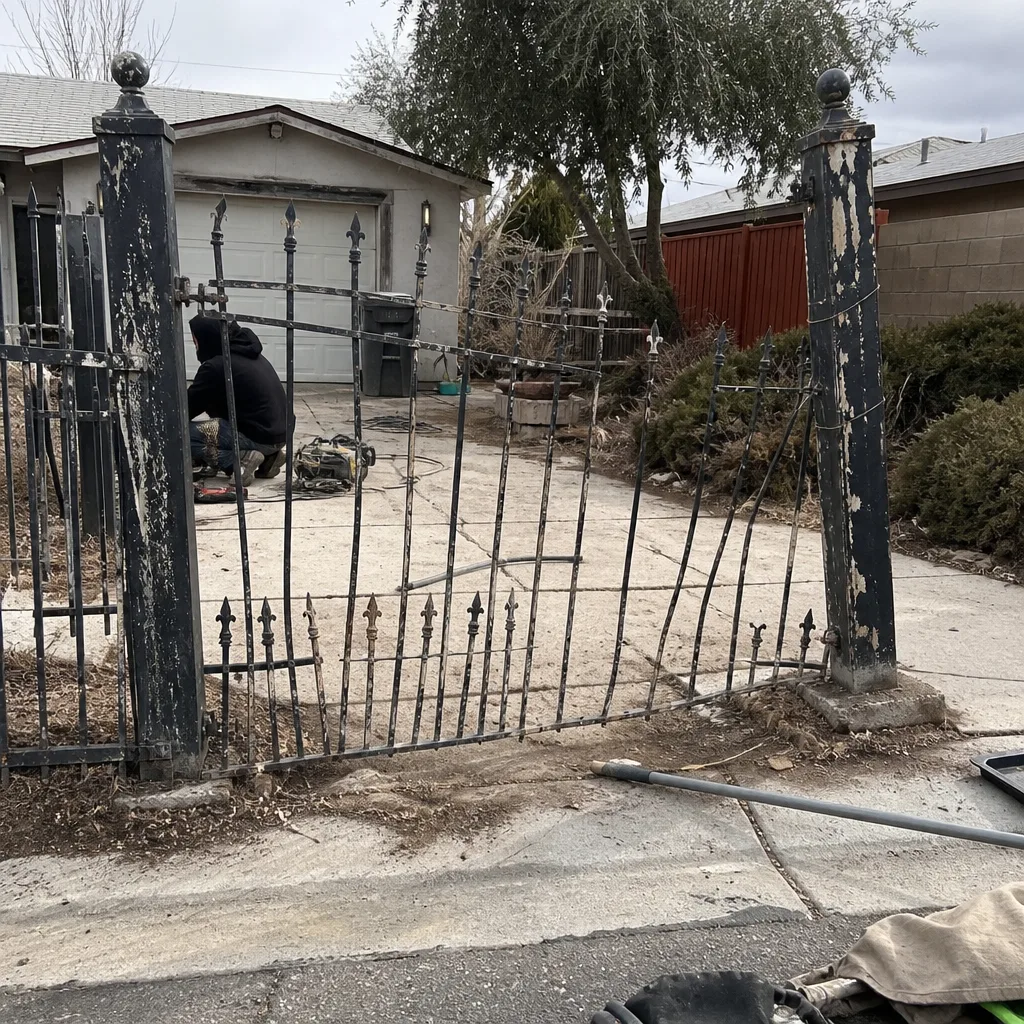 Before
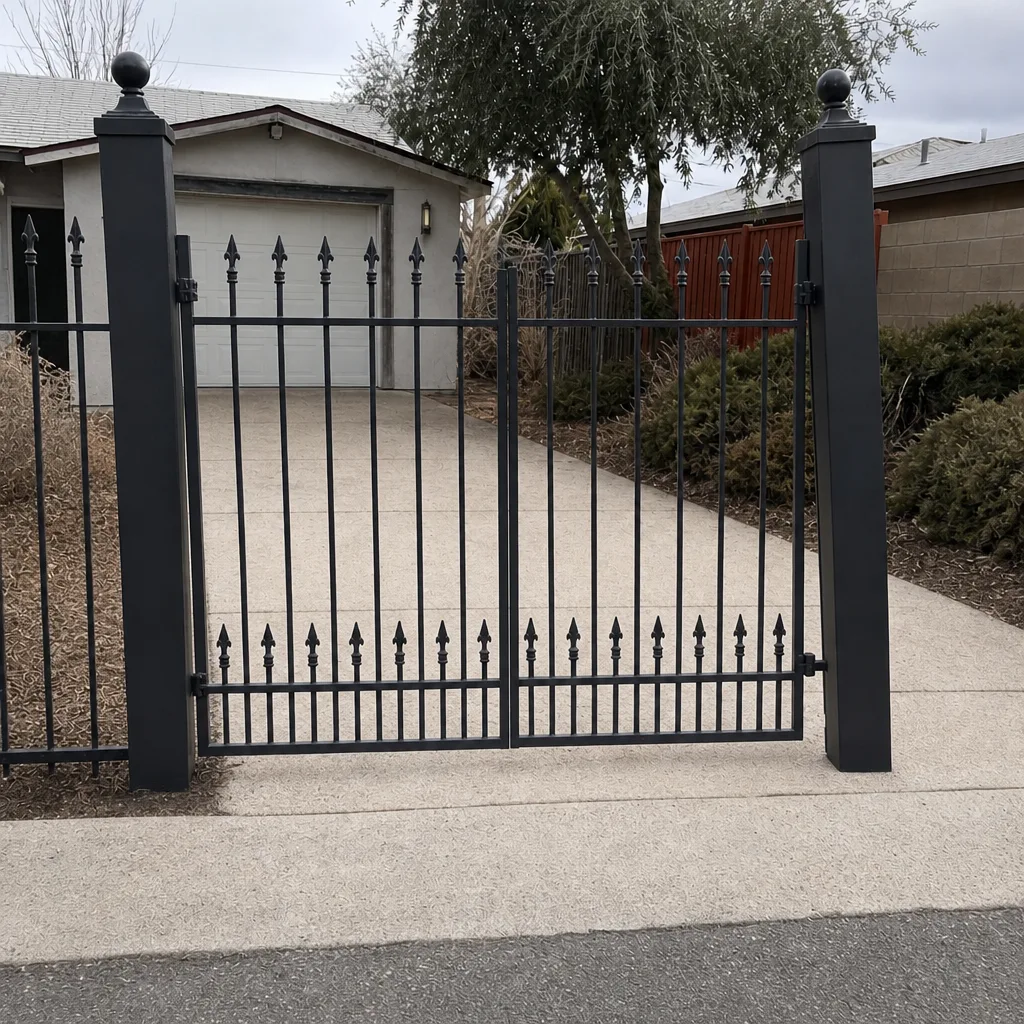 After
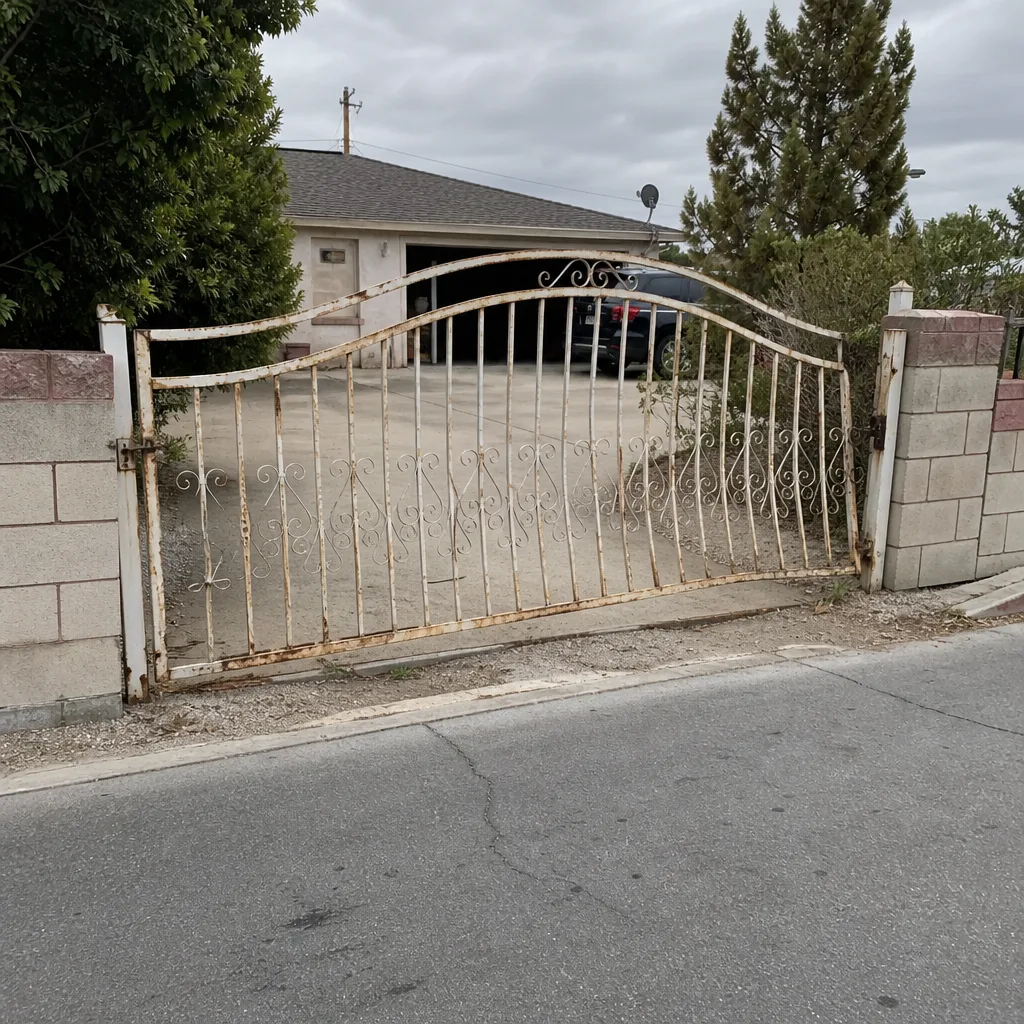 Before
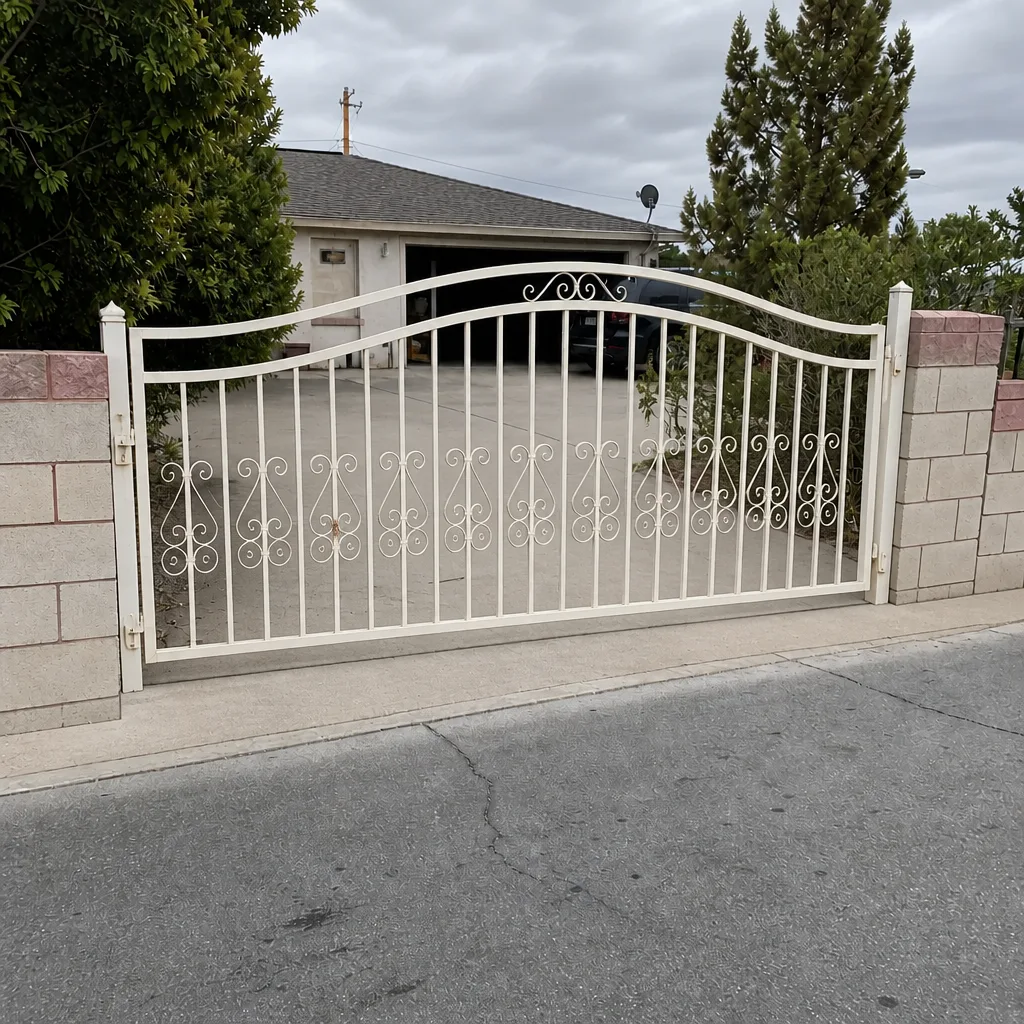 After
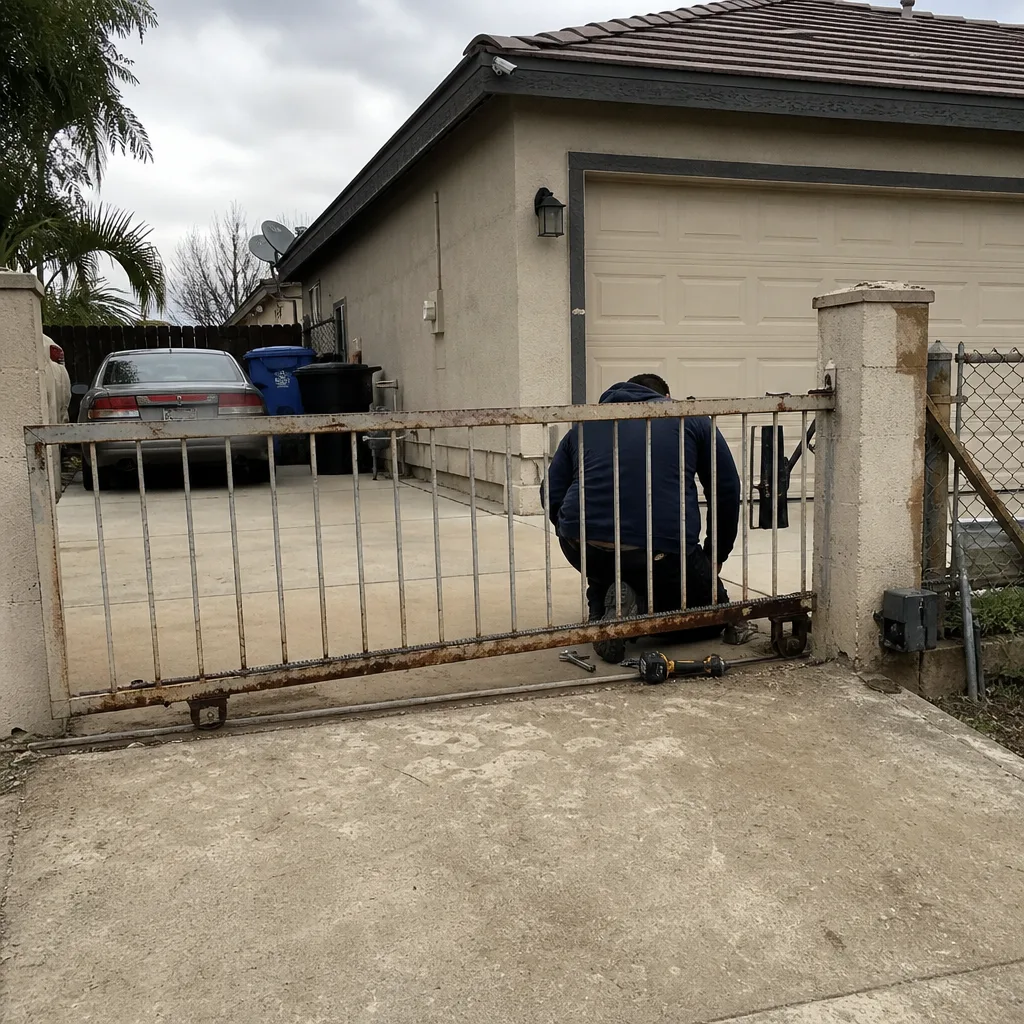 Before
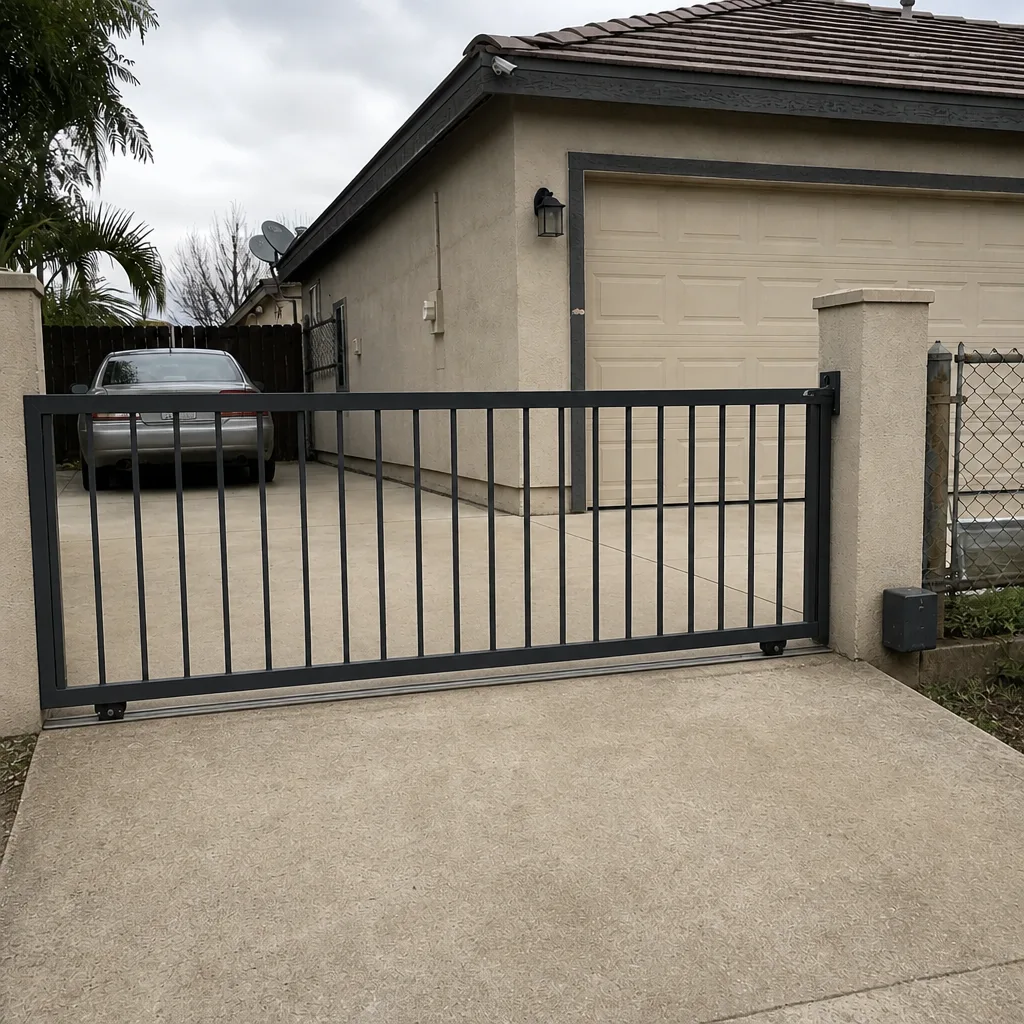 After
When to Call a Professional
Some of this you can handle with a multimeter and a screwdriver, and some of it you shouldn’t touch. Call us when you’ve lost voltage at the controller and can’t trace the fault, when the relay clicks and the gate still won’t move after you’ve checked the wire, when a manual reset wipes codes you can’t recover, or when the hardware is on a commercial gate with safety edges and you’re not sure the inputs are still protecting pedestrians. We offer free estimates in Spring Valley and a free second opinion on any written estimate you’ve already got. Call (888) 300-3906 and a live person answers, day or night. We’d rather tell you it’s a ten-dollar relay than sell you a board you don’t need.
Frequently Asked Questions
The keypad is working and the problem is downstream, usually a stuck relay, a bad wire run, or a loose operator input terminal. Feel for a click when you enter a valid code. No click means the keypad’s relay is the suspect; a click means the wire or the operator’s trigger terminal needs checking. Call (888) 300-3906 for an exact quote if it’s beyond a simple wire fix – estimates are free.
Intermittent fob failures are almost always a reader antenna or read-range problem aggravated by sun exposure, not bad fobs. Test the same fob on two readers. If it fails at normal distance but works up close, the reader needs service. Call (888) 300-3906 for a free second opinion before you buy new fobs.
No. “Device offline” means the controller can’t reach the network, which is usually a Wi-Fi coverage problem at the gate, not a failed board. Force-close the app, sign back in, and check signal at the gate. If it drops every storm, suspect the connection, not the hardware. We charge no trip charge inside the county, so a diagnostic visit is straightforward.
Run the manual trigger test: open the gate with the operator’s built-in button. If the gate moves normally, the operator is fine and the fault is in the access controller or its wiring. If the gate won’t move, the fault is downstream in the operator itself. Call (888) 300-3906 if you’d like us to walk you through it.
Spring Valley’s afternoon heat and direct sun push keypad housings, reader antennas, and wiring past their design limits. A reader in full western exposure will fail exactly when the sun hits it. Shielding or repositioning the unit usually solves it. Call (888) 300-3906 for a placement evaluation.
Check the wiring first, every time. Boards are the least likely failure and the most expensive part. Measure voltage at the controller’s input and check terminal tightness before you buy anything. A repair-first approach here is the same thing we do on every job – we fix what’s actually broken. Call (888) 300-3906 for a free estimate.
The Bottom Line
Gate access control troubleshooting works if you go in order: power and wiring, then controller configuration, then hardware. The manual trigger test tells you which half of the system to work on. Keypads that beep but don’t trigger are a relay-to-terminal problem, fobs that fail intermittently are a reader problem, and app failures are almost always connectivity, not hardware. Spring Valley’s heat and sun make placement and battery age bigger factors here than in cooler climates, so factor those into every check. If you’re stuck or the fault is in a commercial system, don’t guess. Call Gatewood Fence & Gate Spring Valley at (888) 300-3906 and talk to a live person. Every job carries our Gatewood Fence & Gate Spring Valley home 90-Day Done Right Promise in writing, and the person who answers the phone is the person who shows up.
Written by the team at Gatewood Fence & Gate Spring Valley.